Batch T-shirt mockups
One design in.
Every mockup out.
Draw the print area once. Drop in your designs. Download every listing image as a ZIP.
7 days free · $10/month, taxes included · cancel anytime
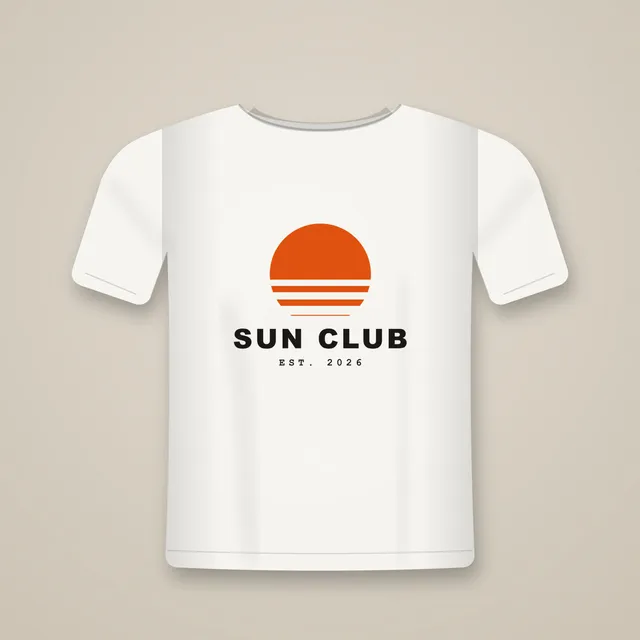
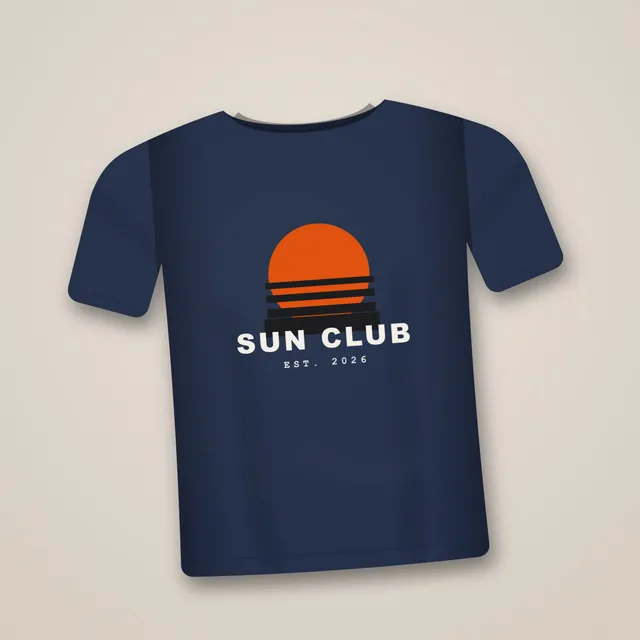
 sun-club.png
How it works, screen by screen
-
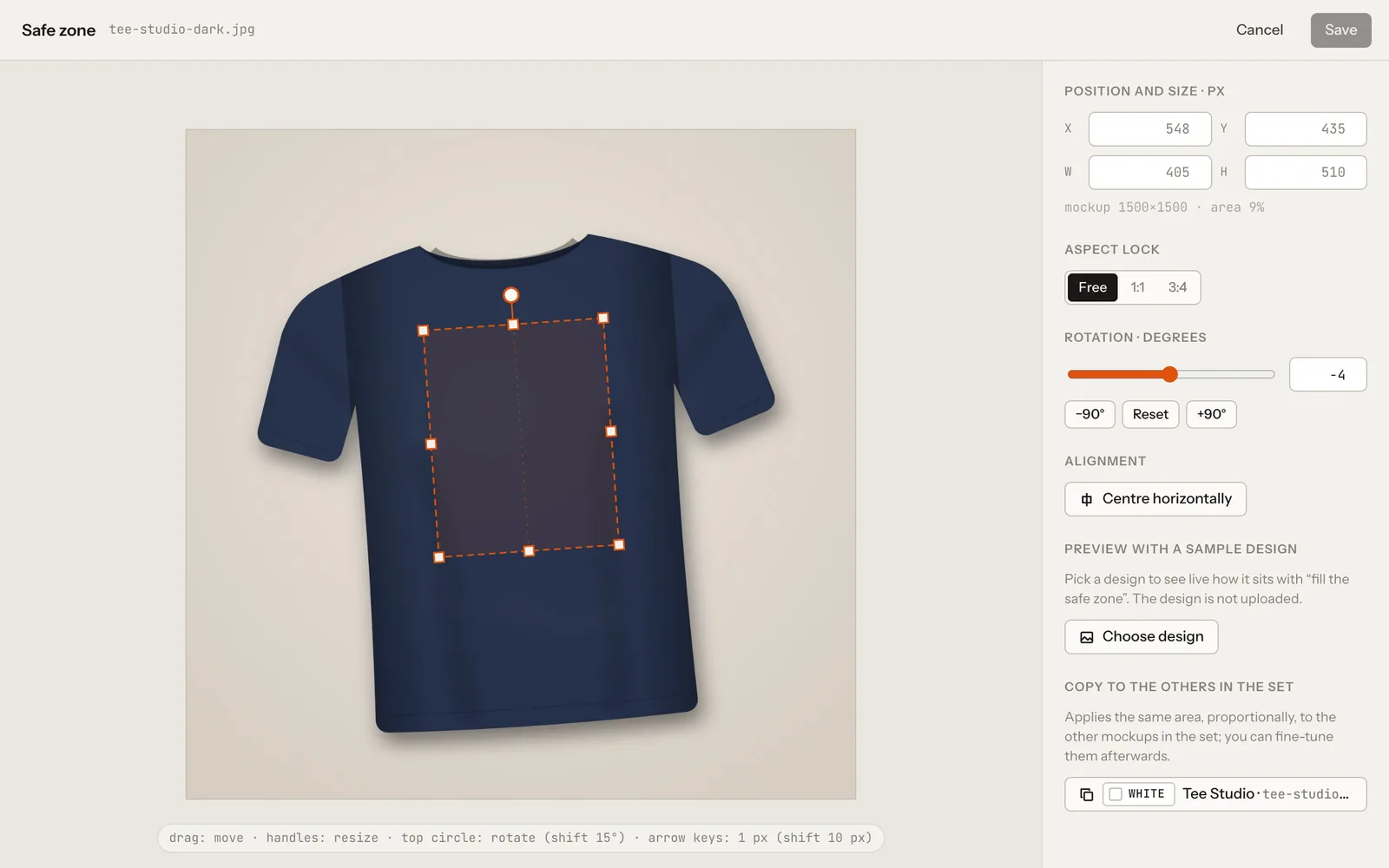
Draw the print area once.
Move, resize, rotate. Copy it to the rest of the set.
-
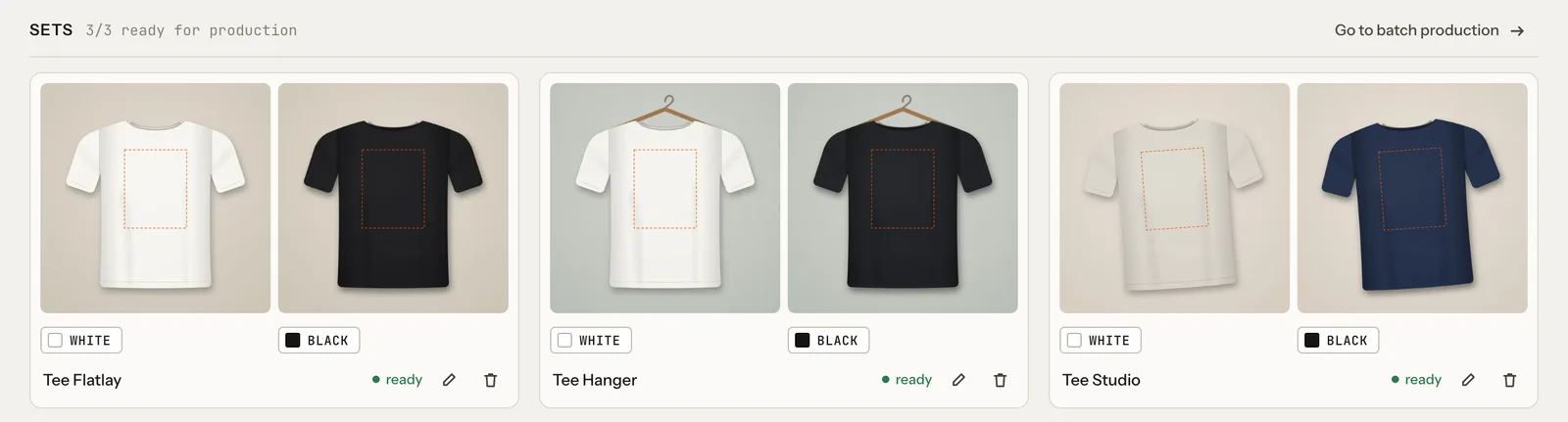
Pair light and dark shirts.
Every set has a White and a Black slot.
-
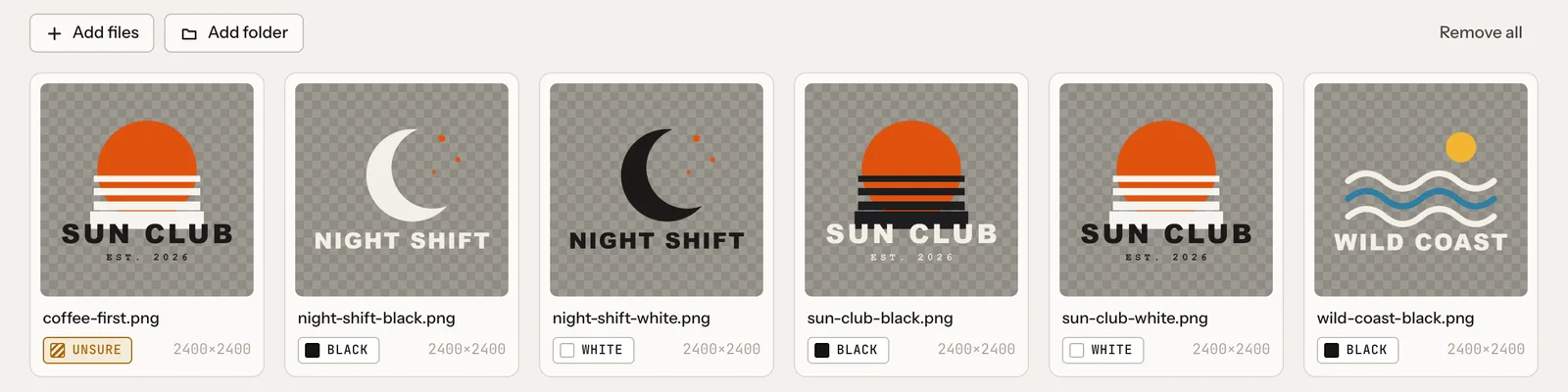
Drop a folder of designs.
Files named -white or -black sort themselves.
-
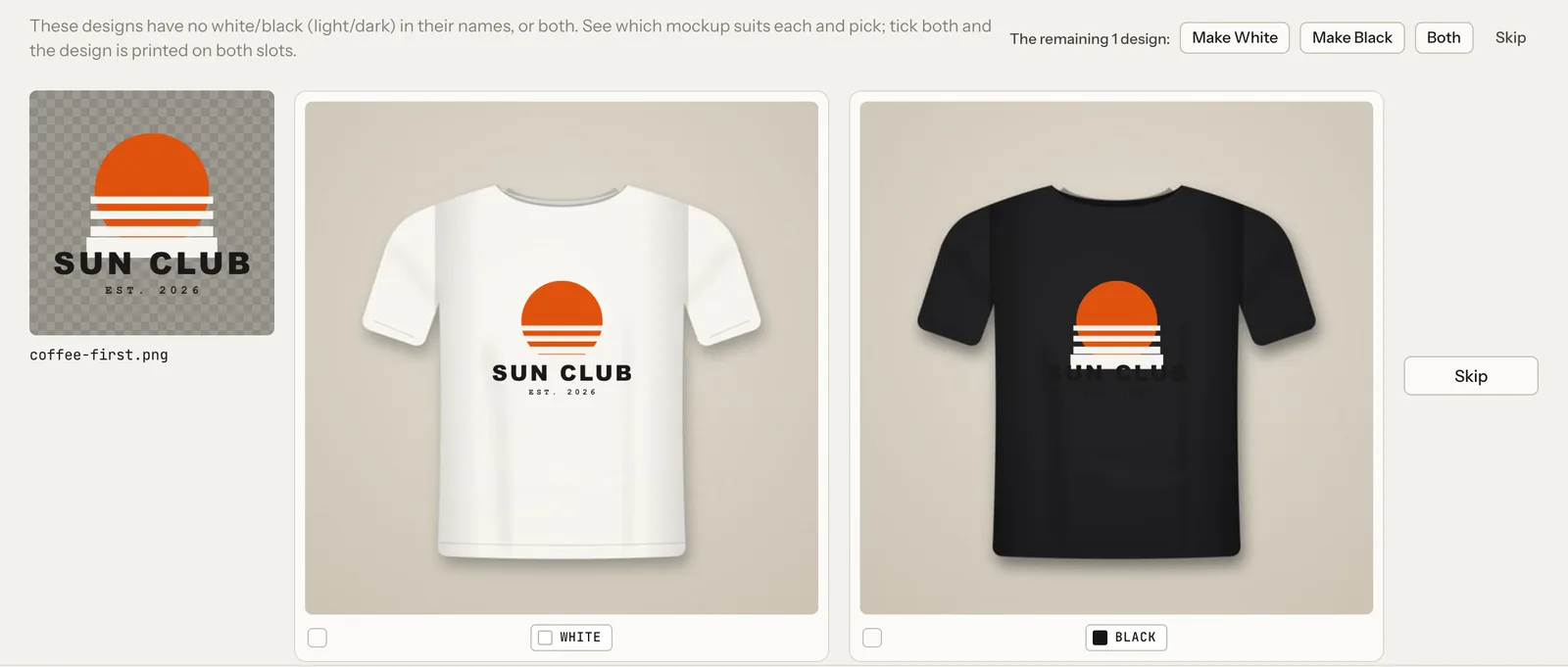
Not sure? See both.
Pick with a real preview before anything renders.
-
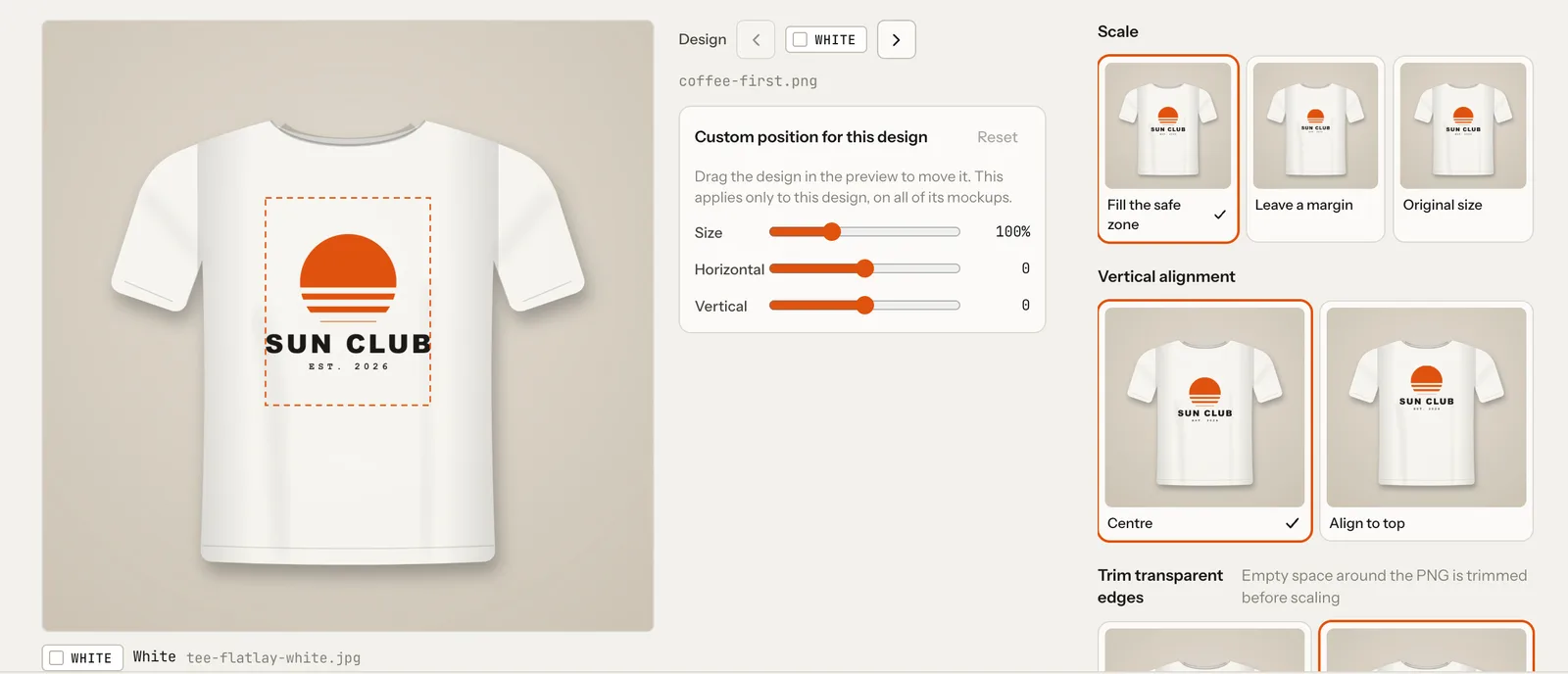
Fit it once, for every shirt.
Fill, margin or original size. Centre or top.
-
Download the ZIP.
Rendered in the cloud. Close the tab if you like.
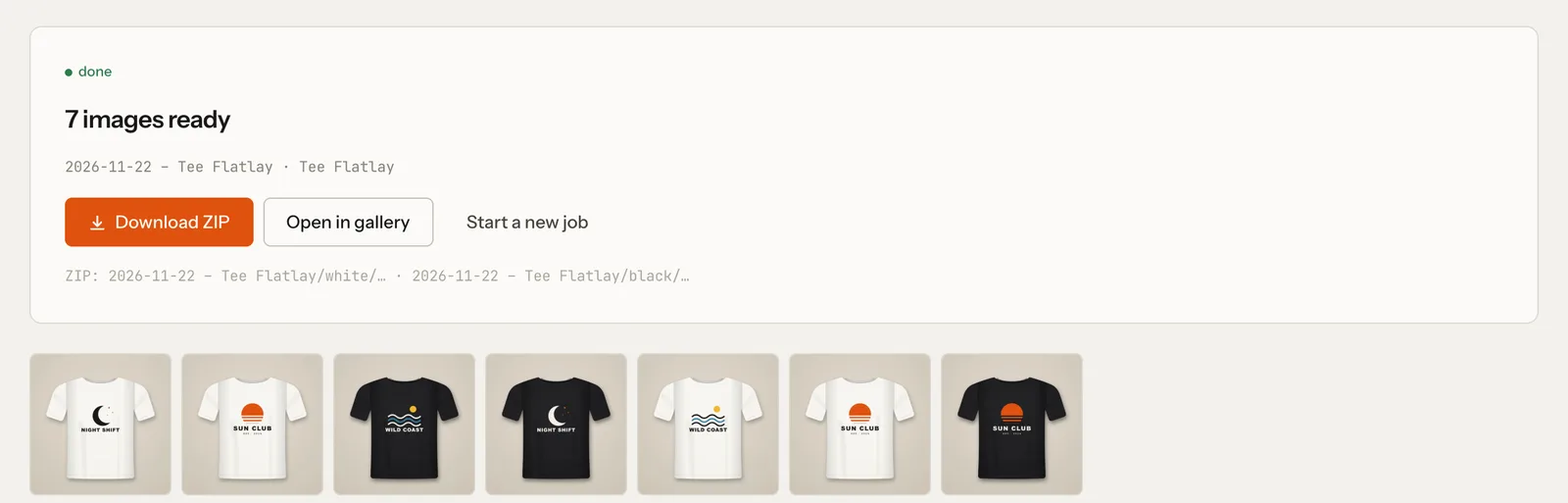
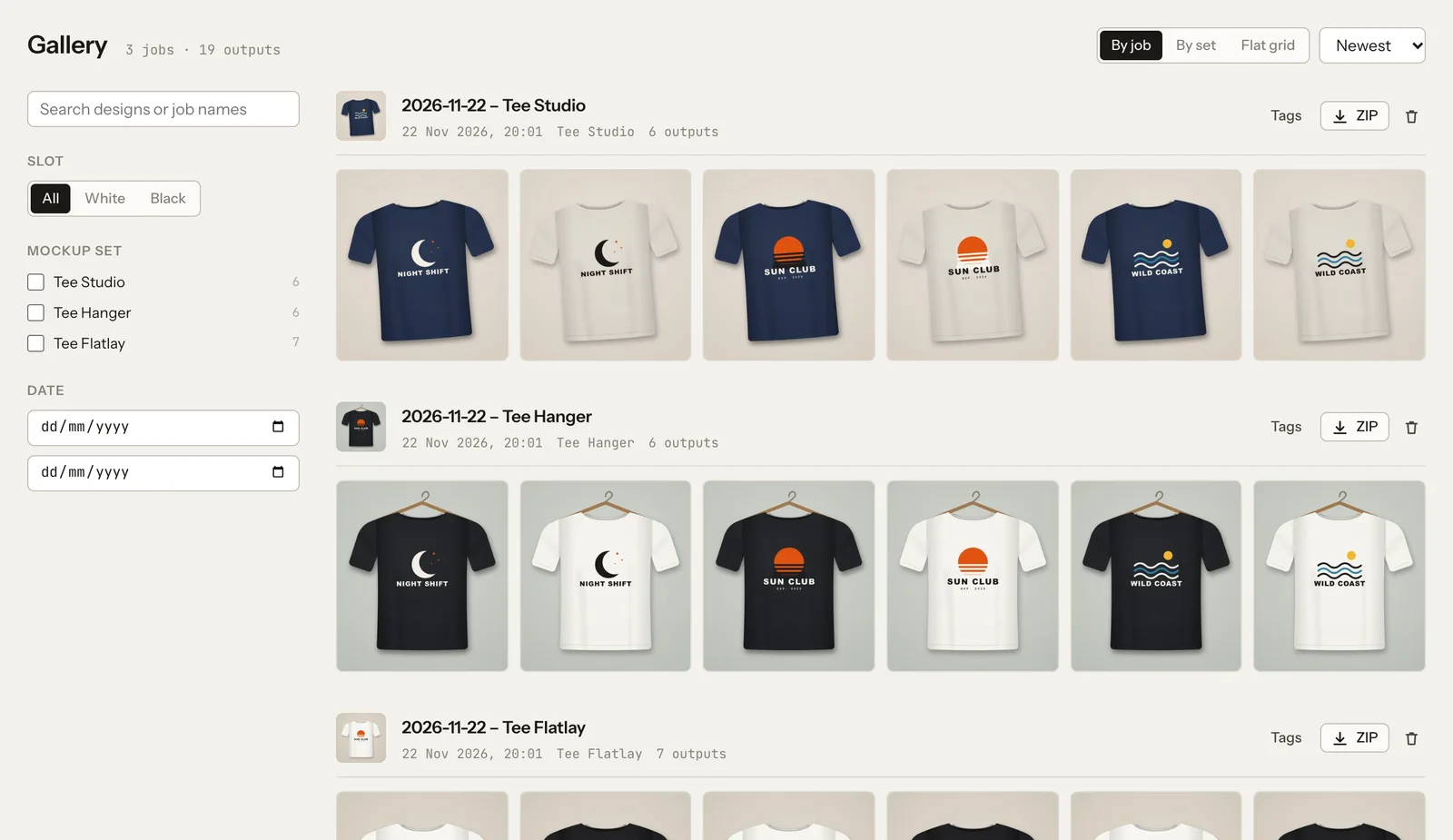
Every job, in one gallery.
Search, filter, tag, download.
- JPG · PNG · WEBP
- up to 50 MB a file
- English · Türkçe
- private to your account
- stored in the EU
Studio Mockup Pro
$10/month
- taxes included
- 7 days free
- cancel anytime
Start your next drop today.
Start 7-day free trialPayments by Stripe. Charged only after the trial.
Questions
Do I need Photoshop?
No. It runs in the browser. Bring your blank mockup photos and your design files.
How does it know which design goes on which shirt?
From the file name: “white” or “light” goes on light shirts, “black” or “dark” on dark ones. Anything else, you pick with a preview.
How does the free trial work?
Add a card at checkout and use everything for 7 days. The $10 charge happens only when the trial ends; cancel before that and you pay nothing.
Can I cancel?
Any time, from the Account page. You keep access until the end of the period you paid for.
Who can see my designs?
Only you. Each account has its own library, sets and gallery.